Studioစတူဒီယို
Decide subject, wardrobe, light and frame — from nearly a thousand choices, or from your own photographs — and get one complete prompt.
- 7 modes, ~960 choices
- Your photo + up to 6 references, numbered
- Refine with AI — never shortened
Myanmar's photo studio · with AI
Restore, relight, replace and deliver — with Nano Banana Pro and GPT Image, and before against after at every step. The face always stays the face.
Touch the water
Photographers in Myanmar edit far more than they invent. So SHOW starts from the photograph you already have — and never lets a model touch the face.
01 — Work
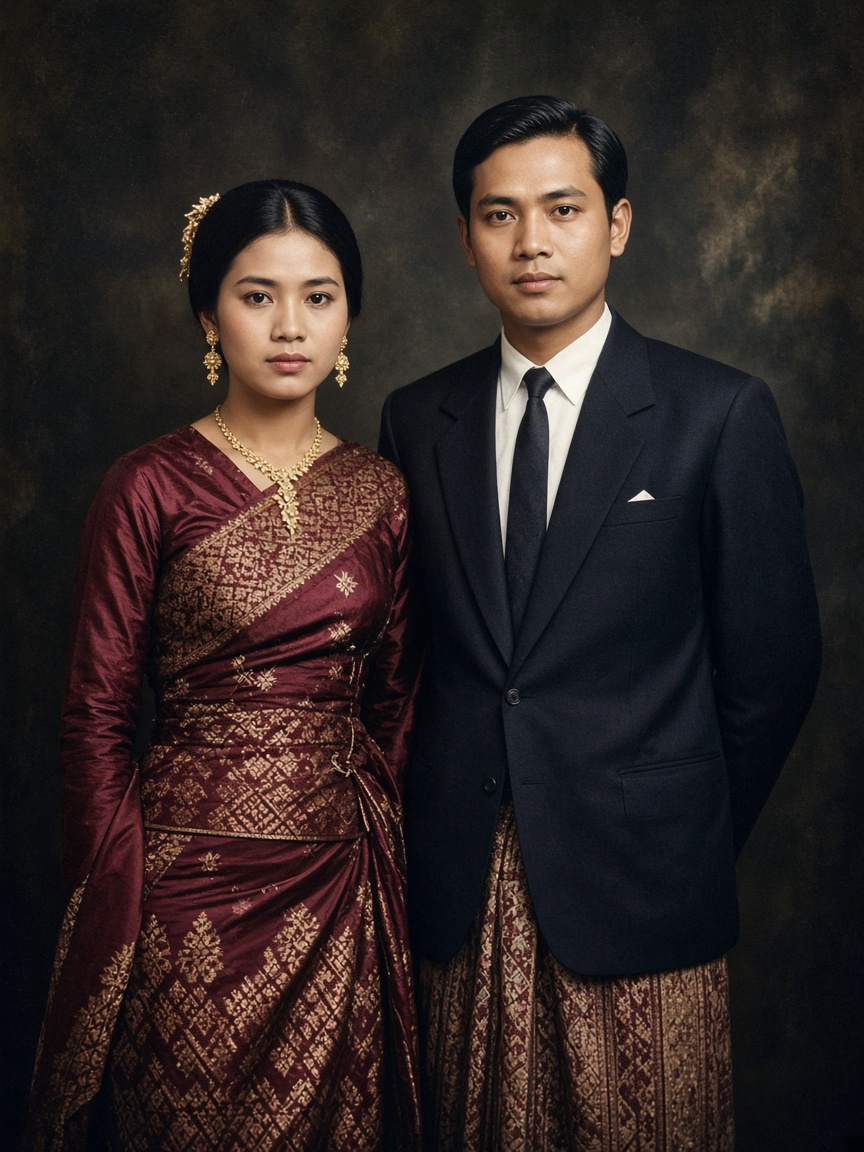
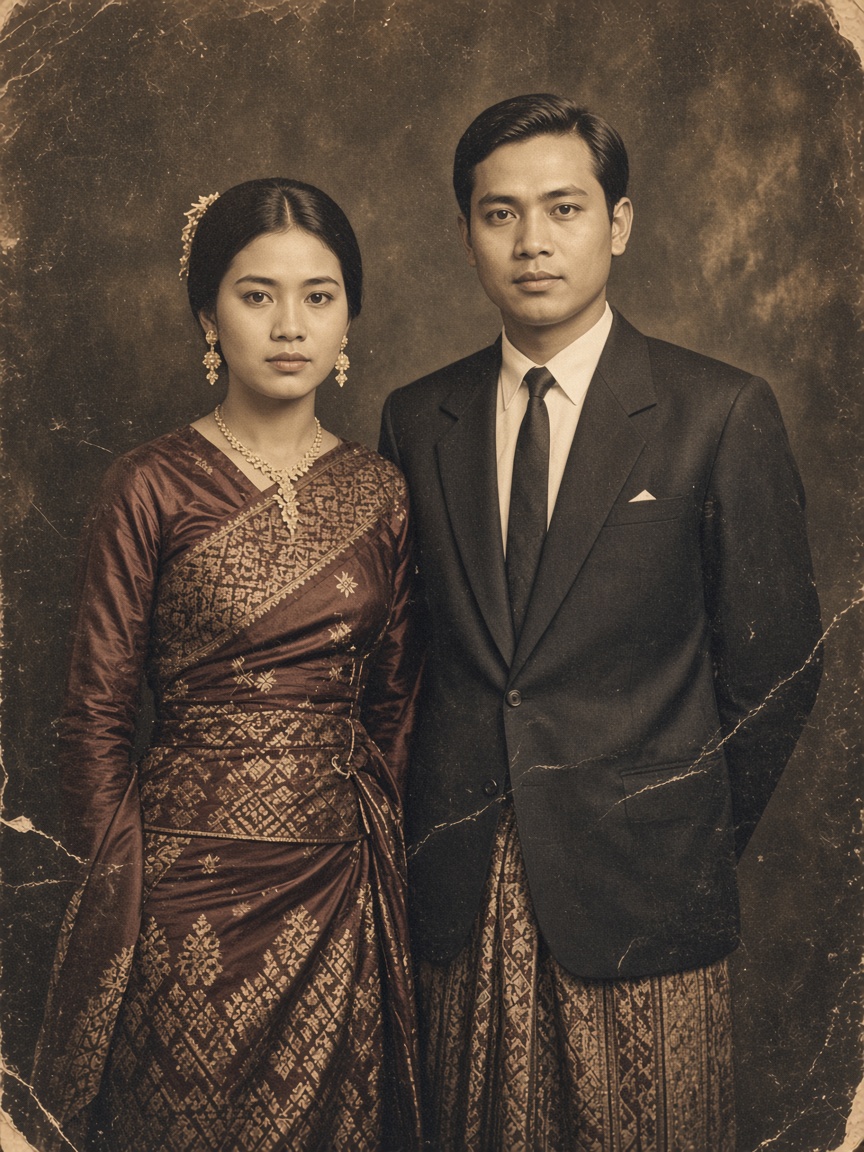
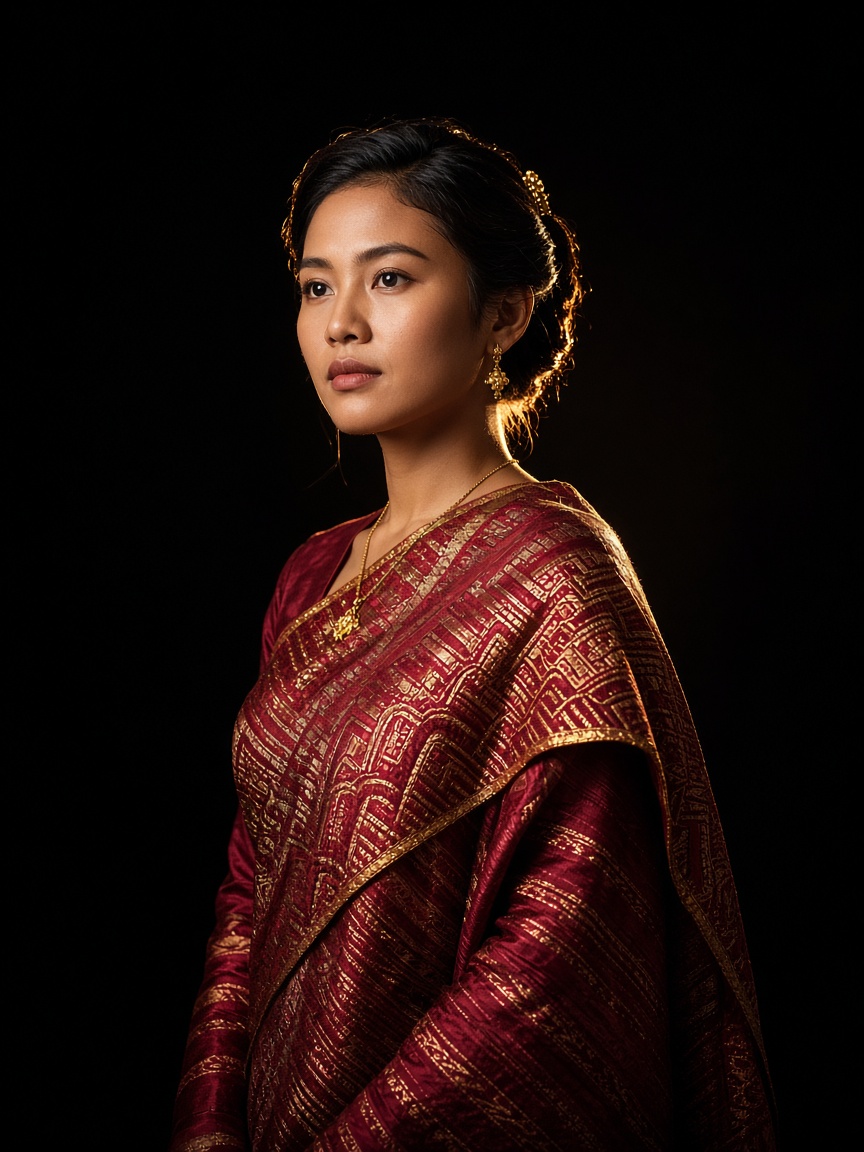
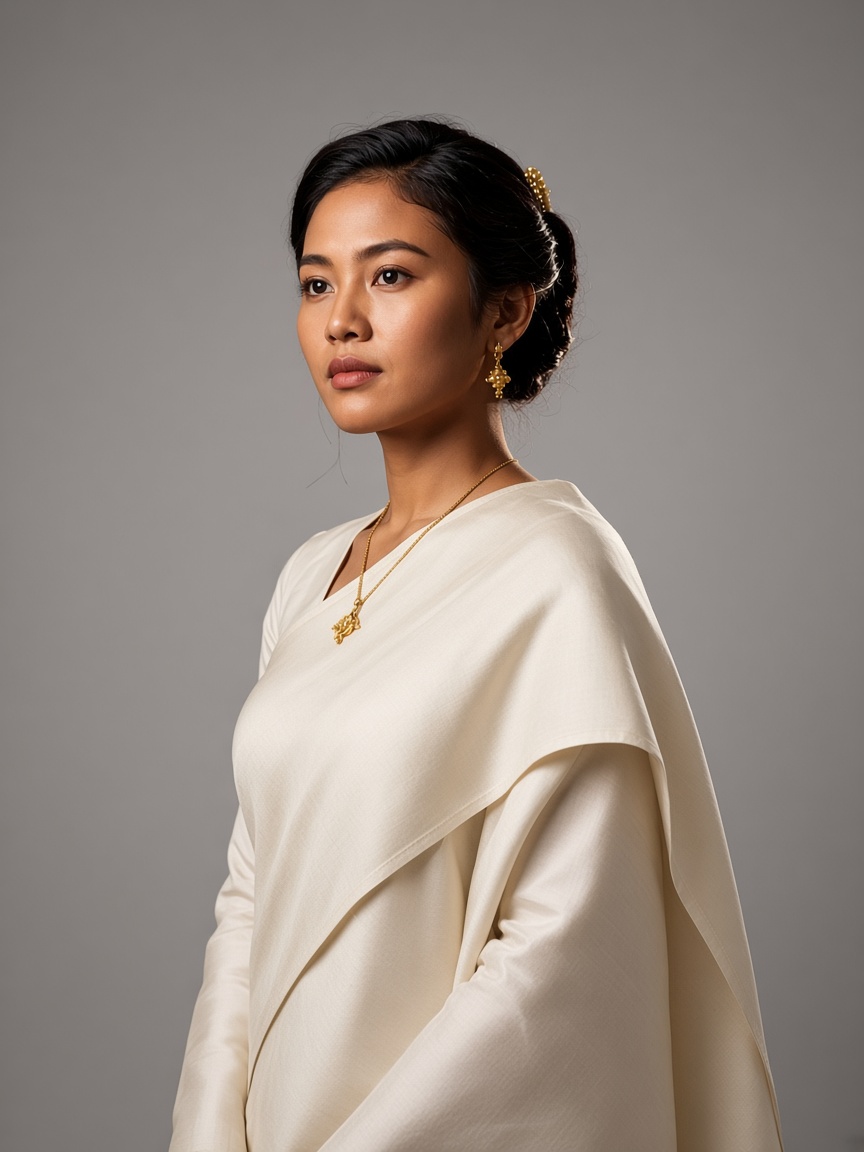
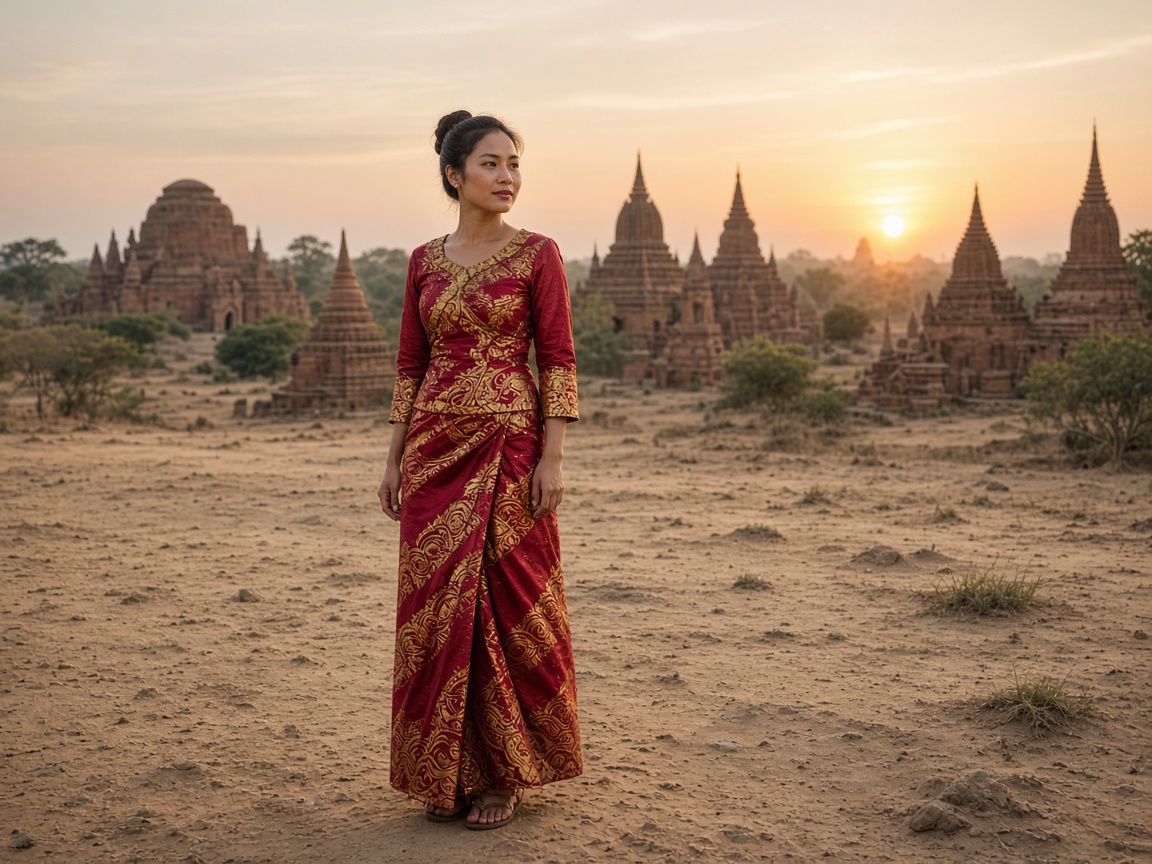
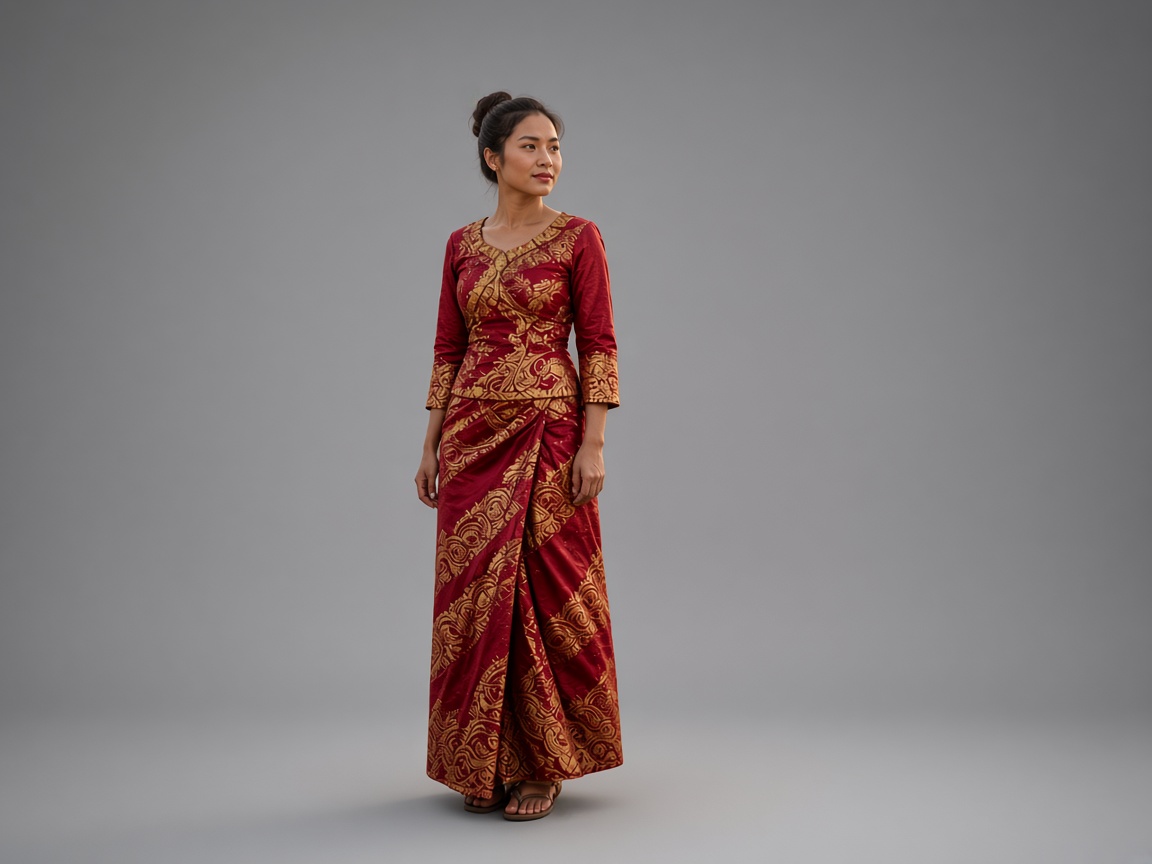
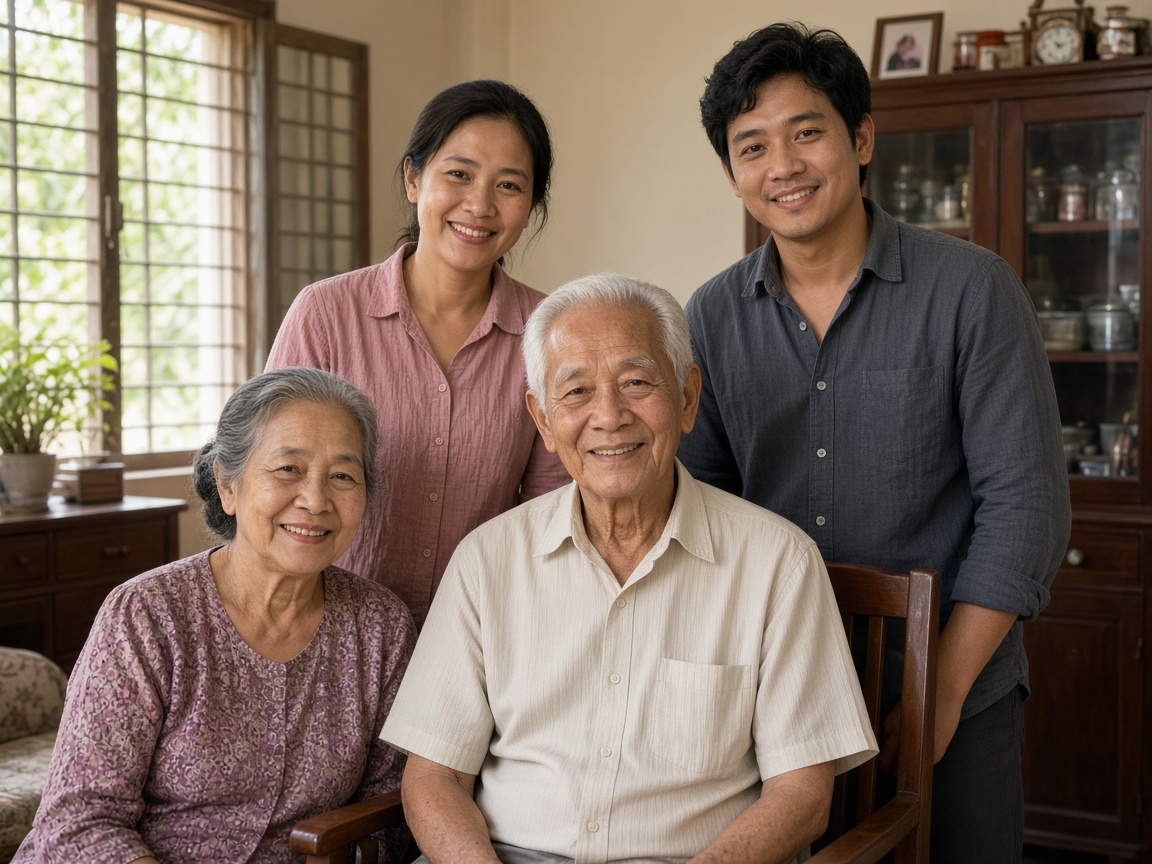
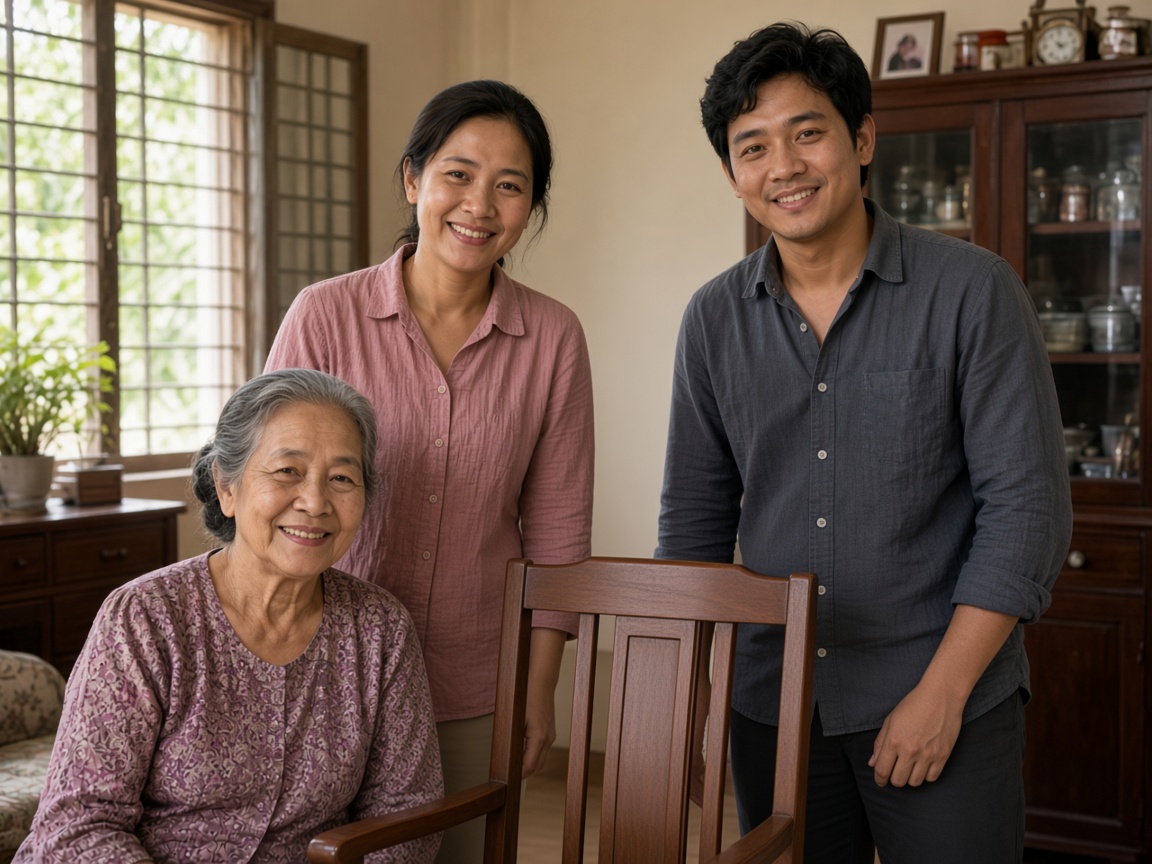
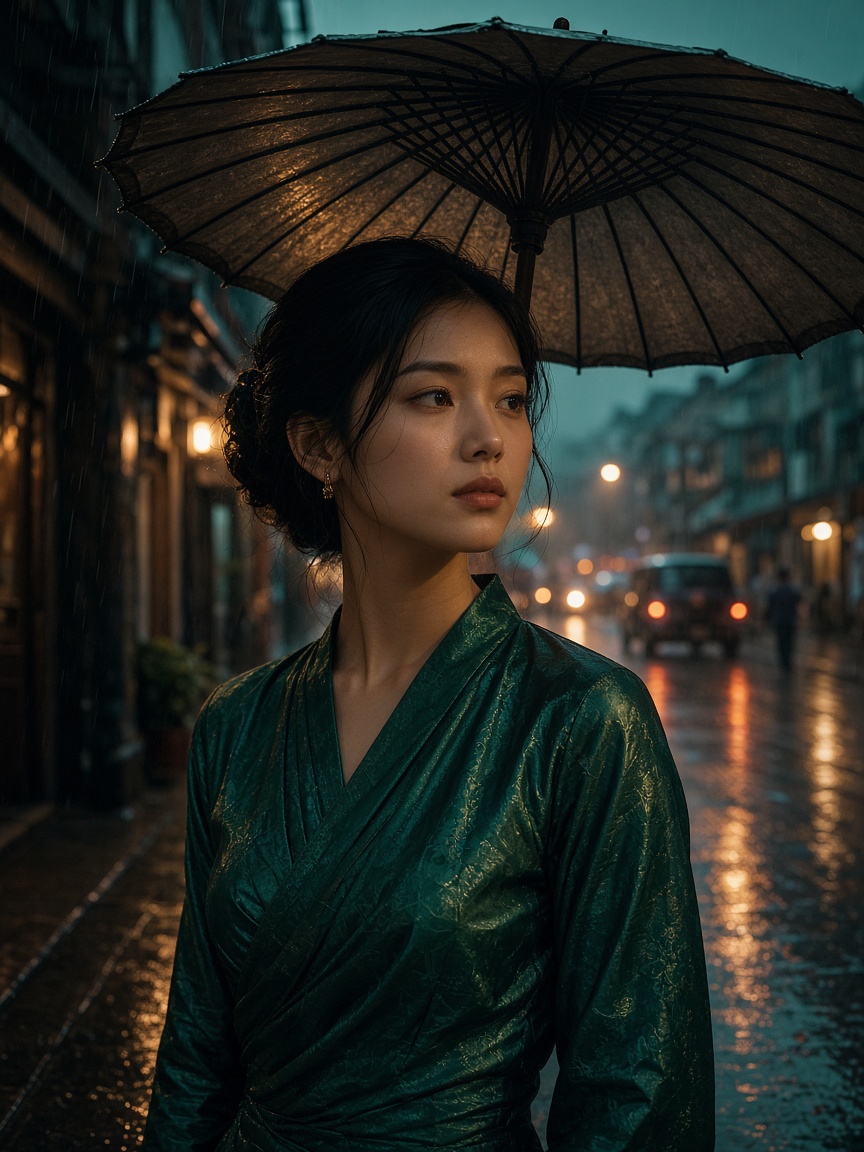
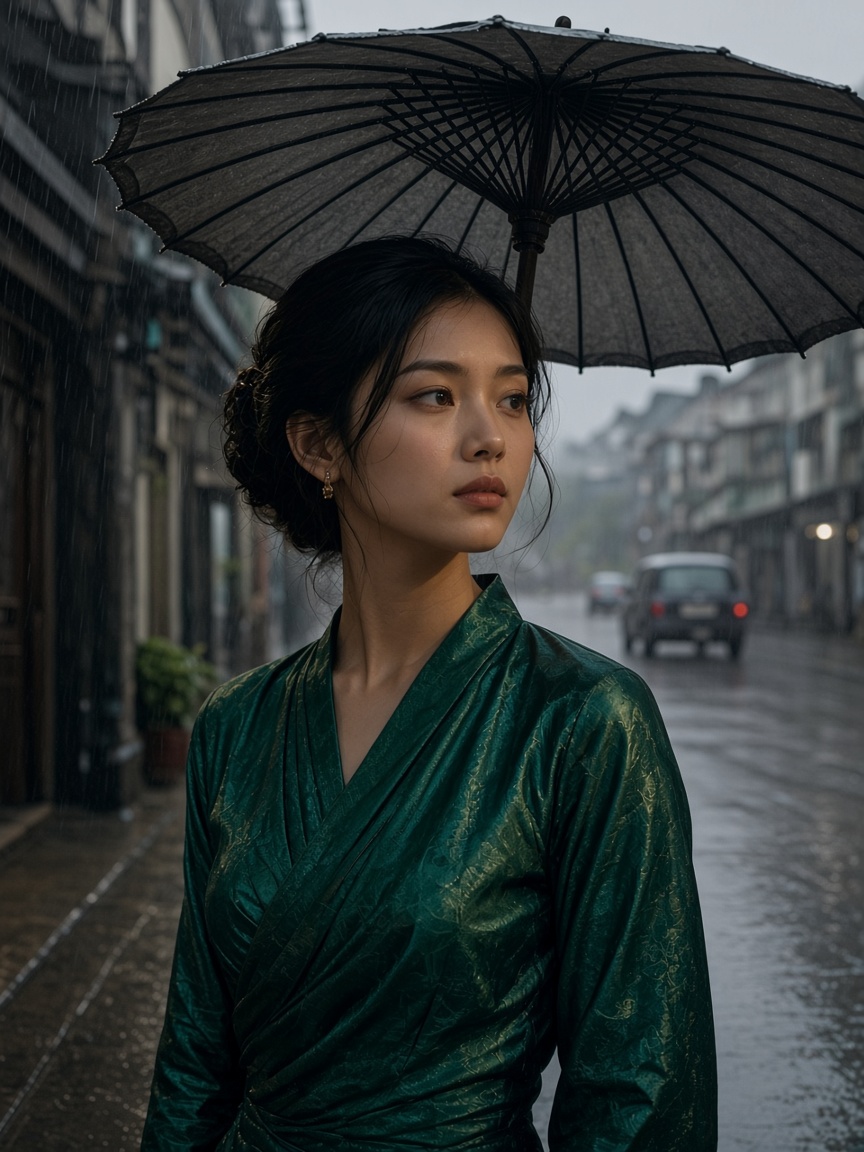
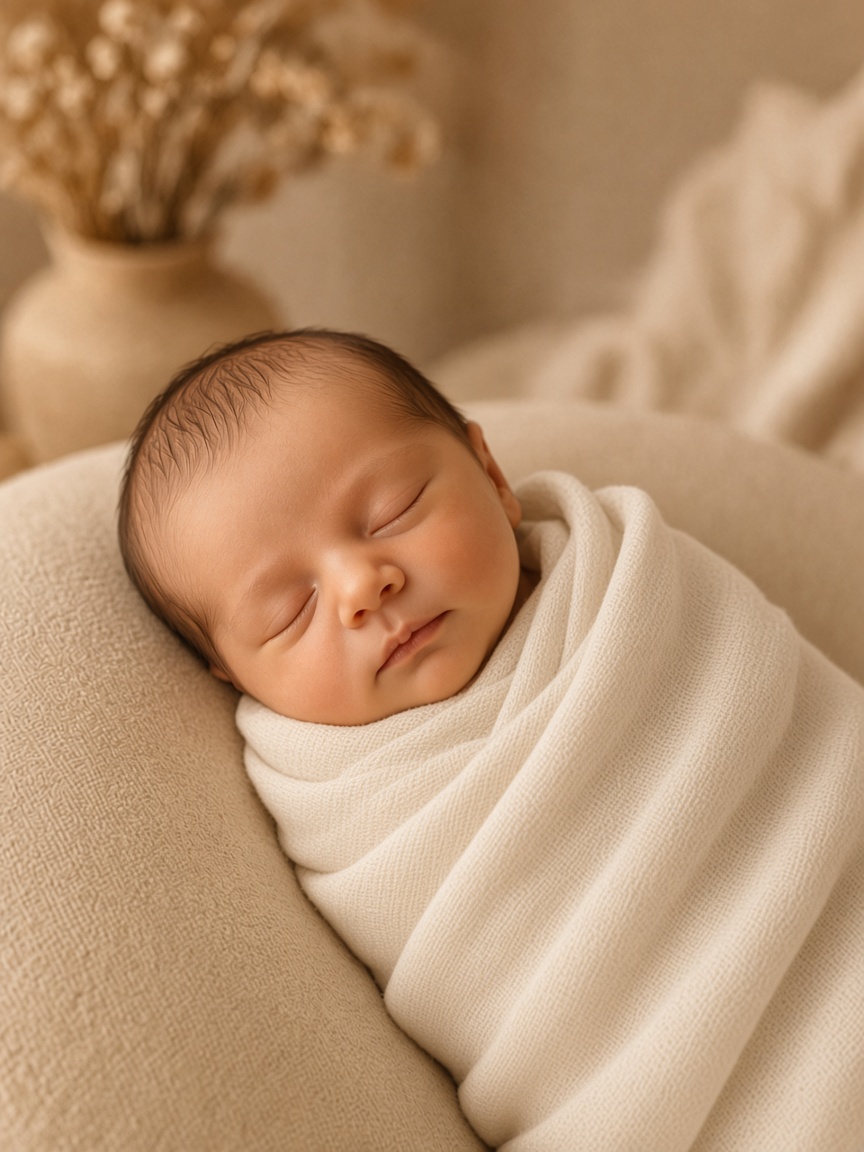
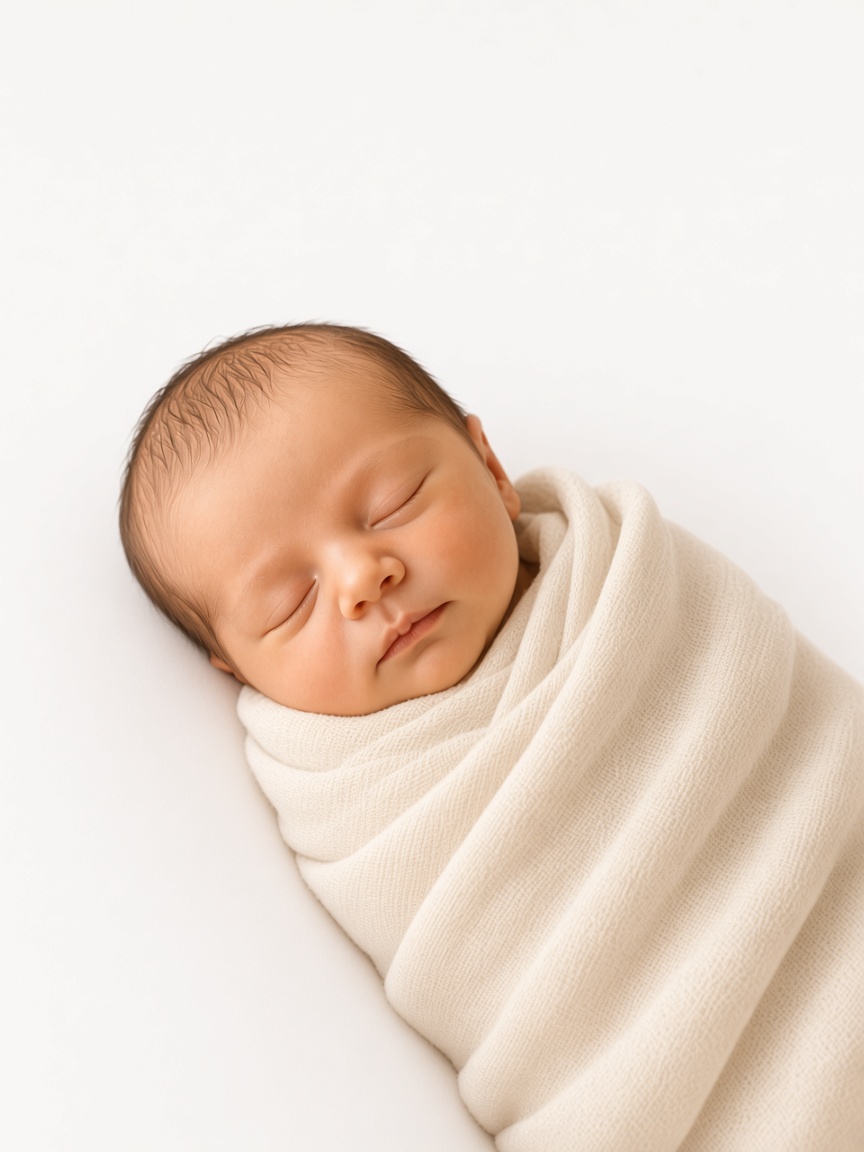
Every result in SHOW is judged the same way: the photograph you brought on one side, what it became on the other.
02 — Everything in the studio
Decide the photograph before it exists — or read it back from one that does.
Decide subject, wardrobe, light and frame — from nearly a thousand choices, or from your own photographs — and get one complete prompt.
Make the photograph itself — Nano Banana Pro or GPT Image 2.5 Sunburst — then edit it with words and a reference, and see before against after.
Drop a photograph in and read back the prompt that would make it — subject, wardrobe, light and frame as separate, editable parts.
Saved prompts, versioned. Branch one, compare two, keep what worked.
Repair, relight, replace, regrade. The person in it stays exactly who they are.
Replace the background while the face, the pose and the original pixels of the subject stay exactly as shot. Contact shadow solved from the ground plane, so it lands the same way every time.
Put someone into another photograph. The model places them and matches light, colour and shadow, taking the face only from their own photo — or reconcile a cut-out free on this device.
Repair scratches, tears and fading without touching the face or the pose. Colourise if you want it, and bring it to life if you want that too.
Themed backdrops and lighting for a newborn session, with the face, the wrap and everyone holding the baby left alone.
Curves and a live histogram, running on your own device. No balance, no internet, no wait.
Tune one frame, save the look, apply it across the whole shoot — then check which frames drifted away from it.
Albums, galleries and pages — with Burmese set properly.
Spreads, covers, invitations and price lists — with Burmese type set properly, which no image model can do.
Photographs in your guests' hands before they leave — a private gallery each, a live wall, prints on the spot.
Everything you have made, held privately until you decide otherwise.
A real public page at your own address, with a card that renders when it is shared.
03 — Underneath every room
Every edit is told what must not move — and the face is never the model's to invent.
Image 1 is the photo to edit; every reference says exactly what to take from it.
Longyi, acheik, Thadingyut lamps — translated into what a model can actually see.
Grade, batch, restore and measure run on your own phone or laptop — free, private, offline.
Every result opens at 50%, drags anywhere, zooms to 800% at the seam.
Pin the seed and the same request makes the same frame next month.
04 — Two image models
Composes from up to 14 references and holds a face across edit after edit. Up to 4K.
Precision edits and fine detail — slower, and sharper for it.
05 — How it goes
06 — What it costs
Prompts, the library and your public page — free, always.
Runs on your own phone or laptop. No balance, no upload.
The image models, on SHOW's servers. A failed result is never charged.
Bring the photograph you already have.
SHOW